
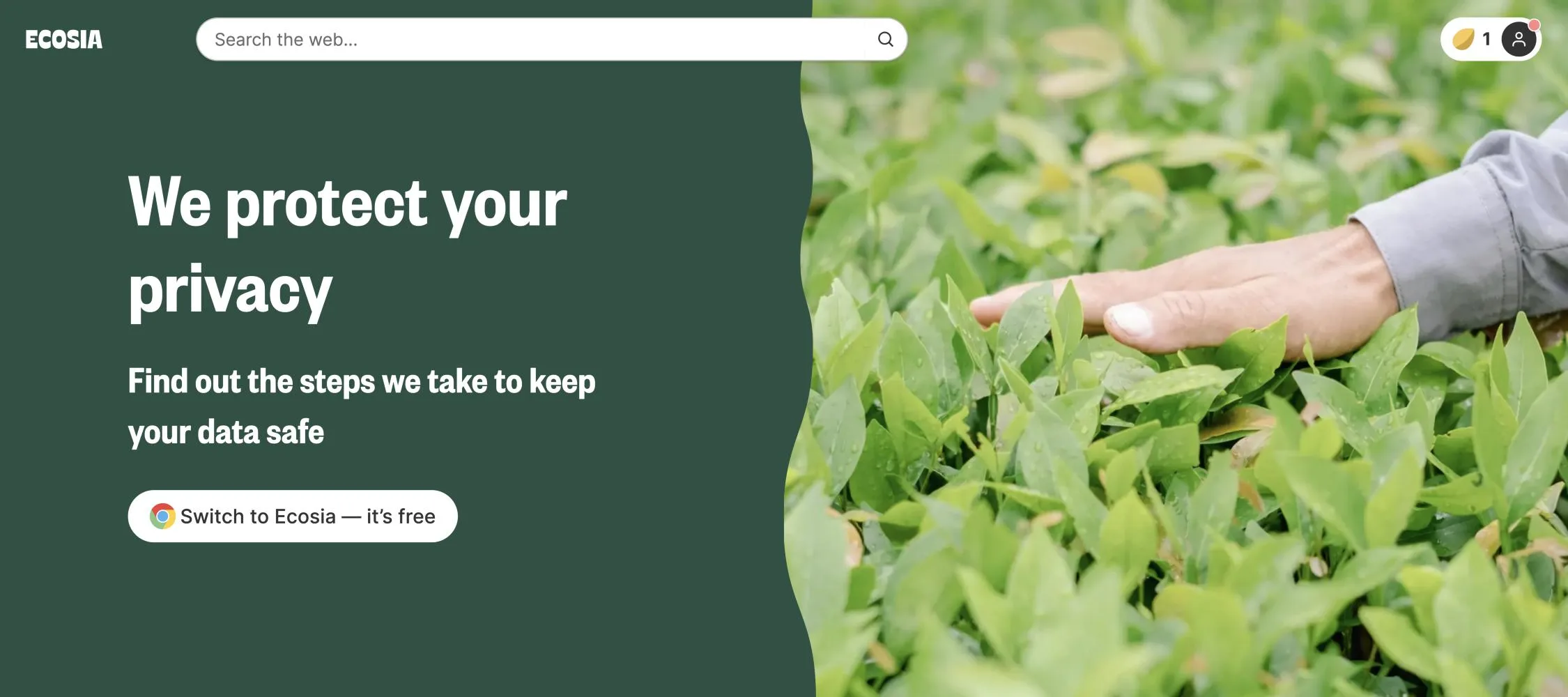
Whenever I recommend Ecosia to friends, the first question isn’t about trees — it’s “but is it safe?” A search engine sees everything you look up, so it’s a fair question. I’ve been using Ecosia and following its reports since 2018, and in this article I go through what it actually collects, who it shares your searches with, and what you can switch off, based on Ecosia’s own privacy policy as of October 2026.
Short answer: yes, Ecosia is a safe, legitimate search engine — it’s an EU company bound by GDPR, it encrypts every search, it anonymizes your IP address within 7 days, and it doesn’t sell your data. But it isn’t a “zero data” engine: your searches are shared with Google or Microsoft Bing to get you results and ads. If you want the full background on Ecosia itself, read my in-depth Ecosia review.
What Ecosia collects when you search
According to Ecosia’s privacy policy, the data it needs to run a search is your IP address, your search terms and some session behavior data. The IP address is used mainly to stop bots and ad fraud — if too many searches come from one address too quickly, you might get a CAPTCHA.
The important part is what happens next: Ecosia anonymizes your IP address after a maximum of 7 days. It also says it doesn’t compile data across platforms to build a profile of you, and that because it doesn’t store personal data, it doesn’t (and can’t) sell it.
Who sees your searches?
This is the part most people miss. Ecosia doesn’t have its own complete web index (very few search engines do), so it gets results and ads from partners:
- Google — for a growing number of users, Google provides the results and ads by default.
- Microsoft Bing — the long-time partner, and you can choose Bing as your provider in Ecosia’s settings if you’d rather not use Google.
Your IP address and search terms are shared with whichever partner answers your search. That’s the same trade-off almost every alternative search engine makes. Ecosia is also working on its own independent European search index with Qwant through a joint venture called European Search Perspective, which started serving some search results in 2025 — so this dependence on Google and Microsoft may shrink over time.
Are the ads tracking you?
By default, no. Ecosia says that the ads you see are not personalized, though they can be more relevant based on your search and your general location from your IP address. Personalized ads from Google or Bing only happen if you actively consent to them, and you can withdraw that consent any time in Ecosia’s cookie settings.
Ads are how Ecosia earns its money — when you click one, Ecosia gets paid. I break down exactly where that money goes in How Does Ecosia Make Money?
Cookies and analytics
Ecosia uses essential cookies (for example, to remember your language) that can’t be turned off. Everything else — analytics, marketing and third-party personalization cookies — is only used if you agree to it. A few details from the policy worth knowing:
- When Bing provides your results, Ecosia asks permission before enabling Microsoft Clarity, which records how you interact with the page.
- If you search from the EU, UK or certain US states such as California, Google won’t set extra cookies without your consent. Elsewhere, Google may set additional cookies depending on your Google account settings.
- Ecosia’s own analytics tool is self-hosted and encrypted.
Is the Ecosia AI chat private?
Ecosia now has an AI chat feature. Your chat messages are sent to its model provider, Mistral AI, a French company. Ecosia says it doesn’t share personal data with Mistral and that Mistral follows a zero data retention policy — but anything personal you type into the chat itself is sent along, so treat it like any AI chatbot and don’t paste in sensitive information.
Is the Ecosia browser and extension safe?
Ecosia’s browser extension mainly sets Ecosia as your default search engine. You can remove it any time (my Ecosia review has uninstall steps). Ecosia also offers its own browser and an optional account that can sync bookmarks and history between devices; that account data is stored in EU data centers according to the privacy policy. If you don’t create an account, none of that applies.
Is Ecosia a scam?
No. Ecosia is a real company based in Berlin that has published its finances every month for years, and in 2018 its founders moved it to a steward-ownership structure so that it can’t be sold and no one can take profits out of it. Its own counter shows more than 256 million trees planted. I go much deeper into the tree-planting evidence in my full review.
Ecosia vs Google on privacy
Compared with using Google directly, Ecosia gives you a few real advantages: no personal profile built from your searches, IP anonymization within 7 days, non-personalized ads by default and EU privacy law. The trade-off is that Google or Bing still receive your search and IP address to answer it. If you want maximum privacy, Ecosia itself recommends pairing any search engine with tools like a VPN or Tor.
How to make Ecosia more private
- Decline non-essential cookies in Ecosia’s consent banner (or change them later in your cookie preferences).
- Choose Microsoft Bing as your search provider in settings if you’d rather your searches didn’t go to Google.
- Don’t enable personalized ads.
- Skip creating an Ecosia account unless you actually want syncing.
- Avoid typing personal details into the AI chat.
Quick FAQ
Does Ecosia sell my data?
No. Ecosia’s privacy policy says it doesn’t store personal data, so it doesn’t and can’t sell it.
Does Ecosia keep my search history?
It anonymizes your IP address after a maximum of 7 days, so your searches aren’t kept tied to you. Your own browser may still save your history locally.
Is Ecosia safe for kids?
Ecosia has a safe search setting like other search engines. As always, no filter is perfect, so parental supervision still matters.
Can I use Ecosia without Google?
Yes — select Microsoft Bing as your search provider in Ecosia’s settings.
This article reflects Ecosia’s privacy policy as of October 2026. Policies change, so check Ecosia’s privacy page for the latest version.
Leave a Comment